Additional Information:
To update your MFA methods:
1) Sign in to your account
2) Update your information
To update your Security Questions:
1) Sign in to your account
2) Click delete beside the security questions
3) Once deleted, click “+ Add Method “
4) Choose security questions.
5) Enter your security questions and click “Done”
Multi-Factor Authentication refers to an additional layer of security that is added to the login process.
MFA relies on two forms of authentication: something you know, and something you own or have with you. The something you know is your Rhodes State College username and password.
The something you have with you can be a mobile device, tablet, or landline phone.
You may have already used MFA while accessing account information at your bank, online shopping such as Amazon, and online gaming websites or apps. Today, many organizations are using MFA to verify the legitimacy of a login by sending a push notification or one-time passcode (OTP) to the account owner who will use the notification information to login to their account.
You will be able to choose a primary authentication method when you register, which you can change or update at any time. Current options are outlined below:
| Verification Method | Description |
| Mobile Notification (Microsoft Authenticator Application Required) | A push notification is sent to the authenticator app on your smartphone asking you to Authenticate your login. |
| Passkeys | A passkey is requested to be used to Authenicate your login. |
You may also want to add a backup authentication method, like an additional cell phone number, to help you access your account in case you forget or lose your device.
Yes! In fact, we encourage you to download and use the Microsoft Authenticator app on your personal devices. Click here and follow instructions to “Setup your MFA authentication methods and security questions”
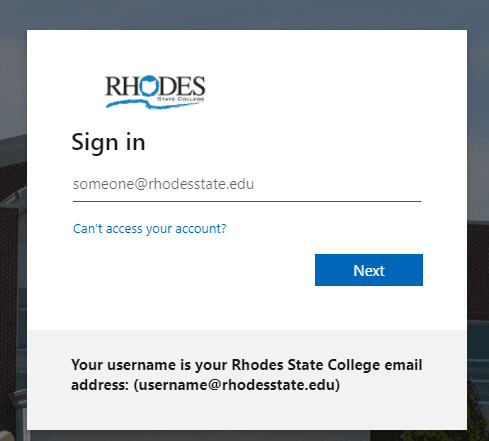
You will need to add your full Rhodes State College email address: username@rhodesstate.edu
If you have any issues when logging in, please contact the Rhodes State Helpdesk: helpdesk@rhodesstate.edu or (419) 995-8069.
